What you'll learn
DDTP DESCRIPTION
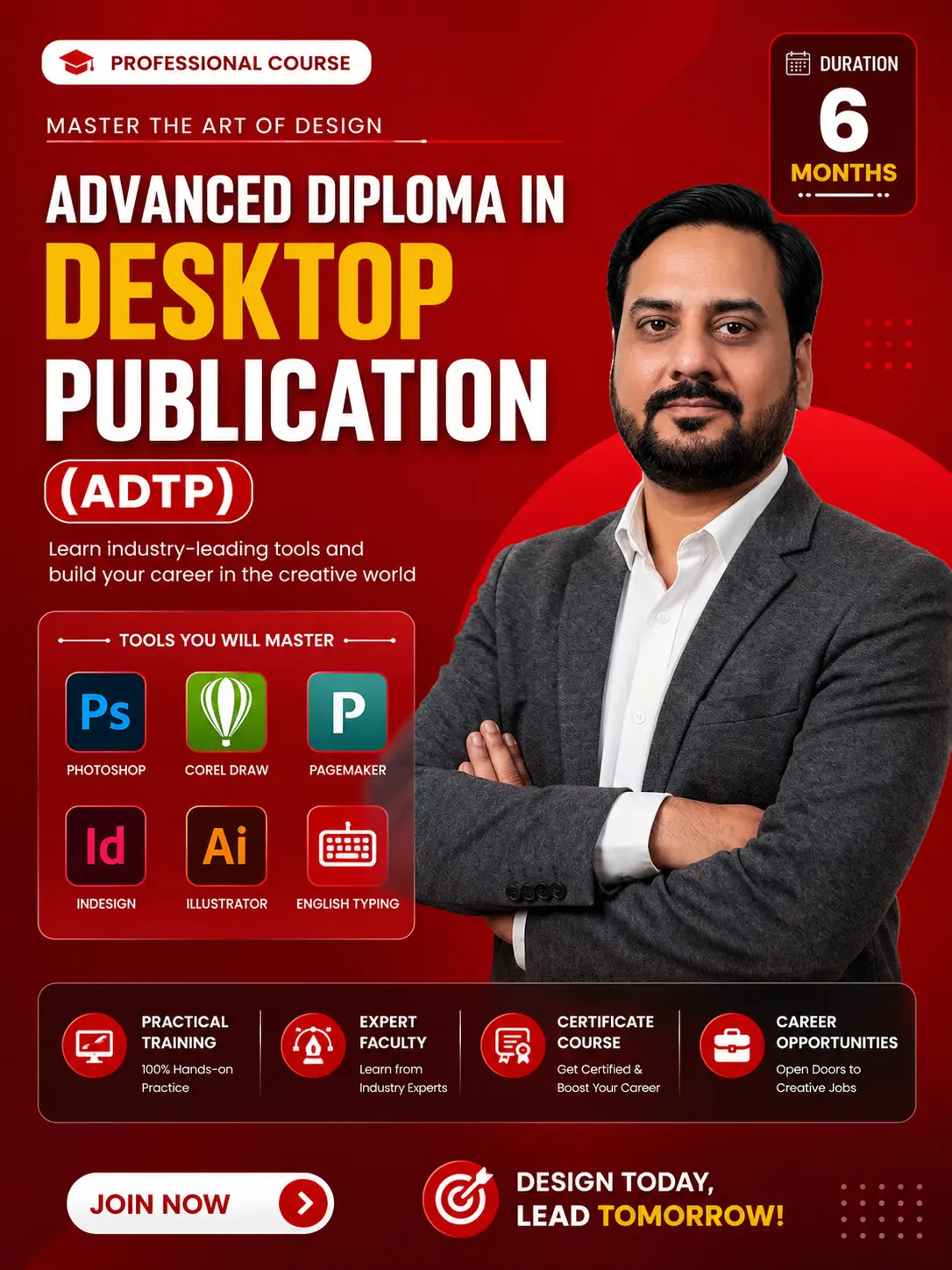
Diploma in Desktop Publishing (DDTP) is a comprehensive computer course that trains students in designing and formatting digital and print media. It covers software like Adobe Photoshop, CorelDRAW, and PageMaker, focusing on layout design, typography, image editing, and publishing skills for careers in graphic design, printing, and media industries.
Show More
Course Syllabus
DDTP (Diploma in Desktop Publishing) Syllabus
1. Basic Computer Fundamentals
- Introduction to computers (hardware & software)
- Operating system basics (Windows)
- File management (create, save, organize files/folders)
- MS Word basics (typing, formatting, page setup)
- Internet basics (email, browsing, downloads)
2. Adobe Photoshop
- Introduction to Photoshop interface & tools
- Image editing & color correction
- Layers, masks & filters
- Photo retouching & background removal
- Designing posters, banners, social media creatives
3. CorelDRAW
- Introduction to vector graphics
- Drawing & shaping tools
- Logo design & illustration
- Text formatting & effects
- Visiting cards, brochures, flex/banner design
4. PageMaker
- Introduction to desktop publishing
- Page layout & document setup
- Text formatting & styles
- Working with images & columns
- Creating books, magazines, newspapers
5. Adobe InDesign
- Interface & document setup
- Layout design for print & digital media
- Master pages & styles
- Typography & advanced text handling
- Designing magazines, eBooks, catalogs
6. English Typing
- Basic keyboard knowledge
- Finger placement techniques
- Speed & accuracy improvement
- Typing practice (words, paragraphs)
- Typing tests & formatting

 Bestseller